SuitCRM application is easy to install on multiple devices. Developed using HTML5 and Javascript, it works on all types of computers and a wide range of mobile devices. Online mode works just like in offline mode. SuitCRM data stored on the device itself and is synchronized with the cloud when you have an Internet connection. Third-party applications can integrate with enterprise management, such as ERPs and CRMs.
Application designed for tablet fits most major mobile operating systems (iPhone and Android) and different screen resolutions devices. To plan visits to all dealers, tying with the calendar application. SuitCRM includes a product catalog and shopping cart to submit bids and requests via email as a PDF document with the signature of the customer. It also allows an analysis and forecast of sales for each sales agents.
 This screen allows viewing of planning and the allocation of activities to be performed by dealers using a calendar which in turn can be integrated with the calendar of the tablet operating system.
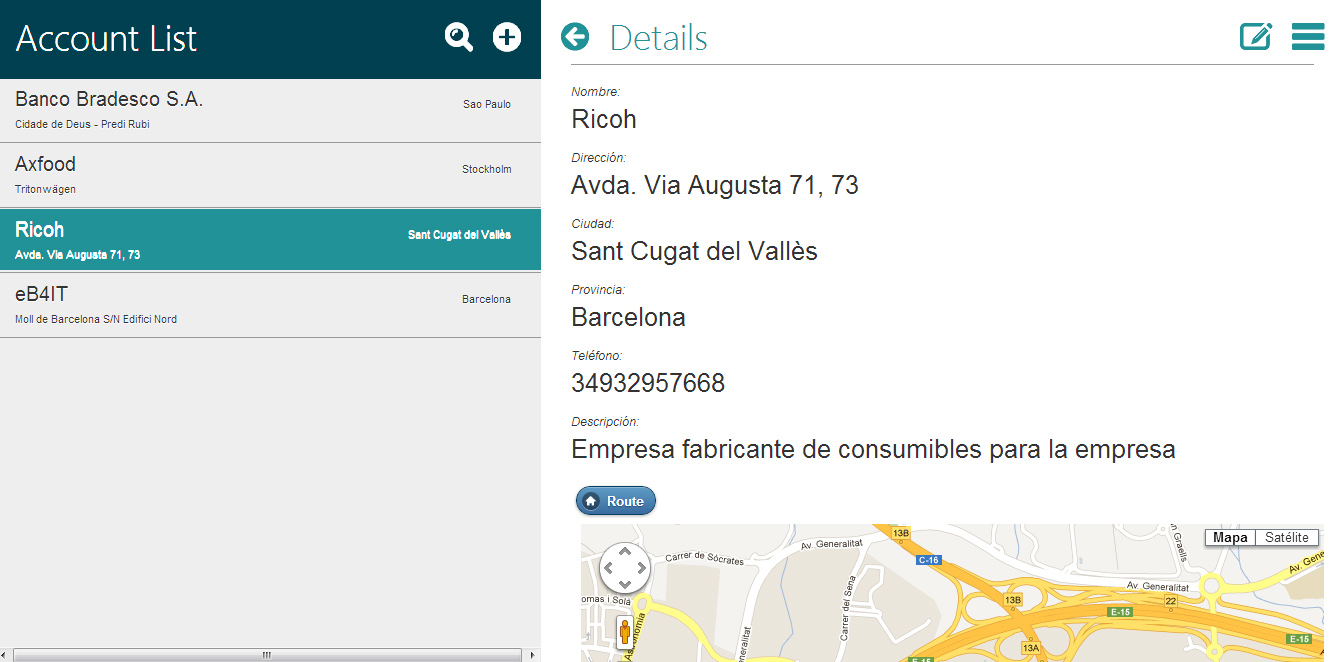 This screen allows you to view and manage accounts for each sales representative and see the data related to each of them, such as contacts, activities, opportunities, offers and requests. It also facilitates see where is located the account and allows tracing a route where the mobile device is located to the address of the client.
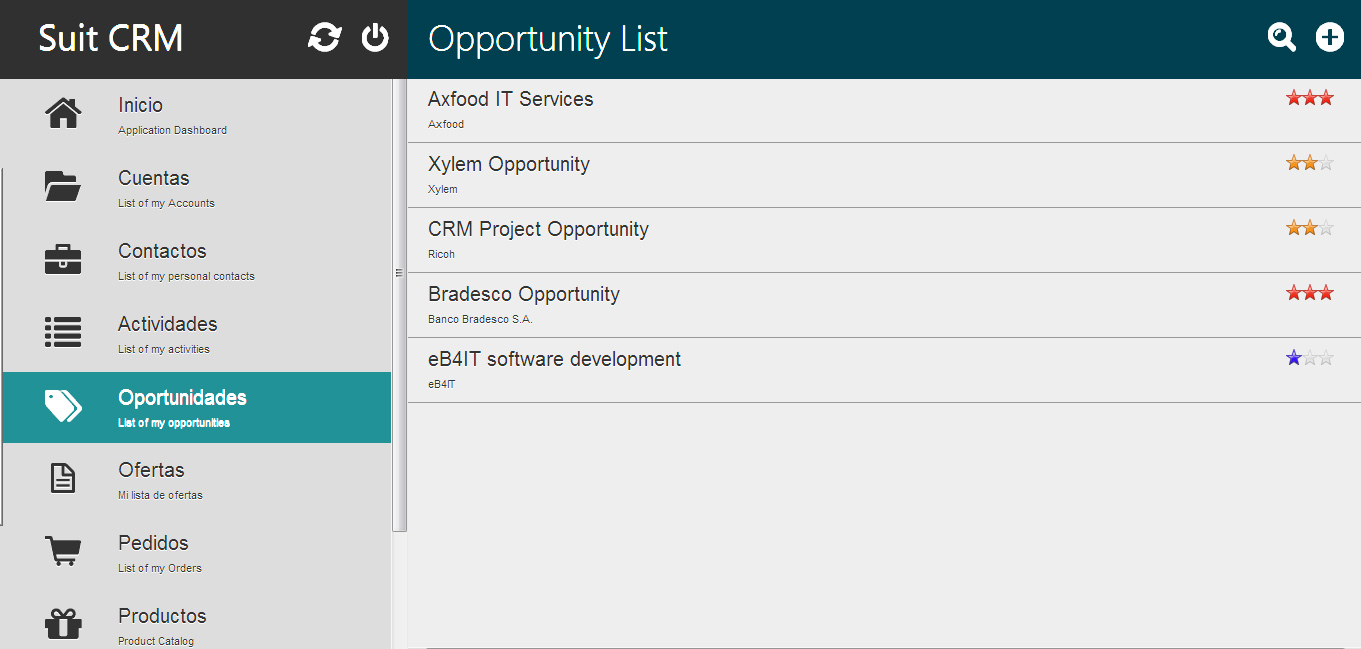 This screen allows the management of sales opportunities by classification and allocation of these sales reps. Since opportunities can be generated automatically offers and orders through the catalog.
 This screen allows viewing and selection easy and intuitive of the product families and their associated products. The selection is done using a shopping cart, generating offers and requests.
 The screen offers and requests comes from the selection of products in the shopping cart. Customers and contacts to attach the cart to generate a quotation or place an order and send it by email turned into Adobe PDF document.
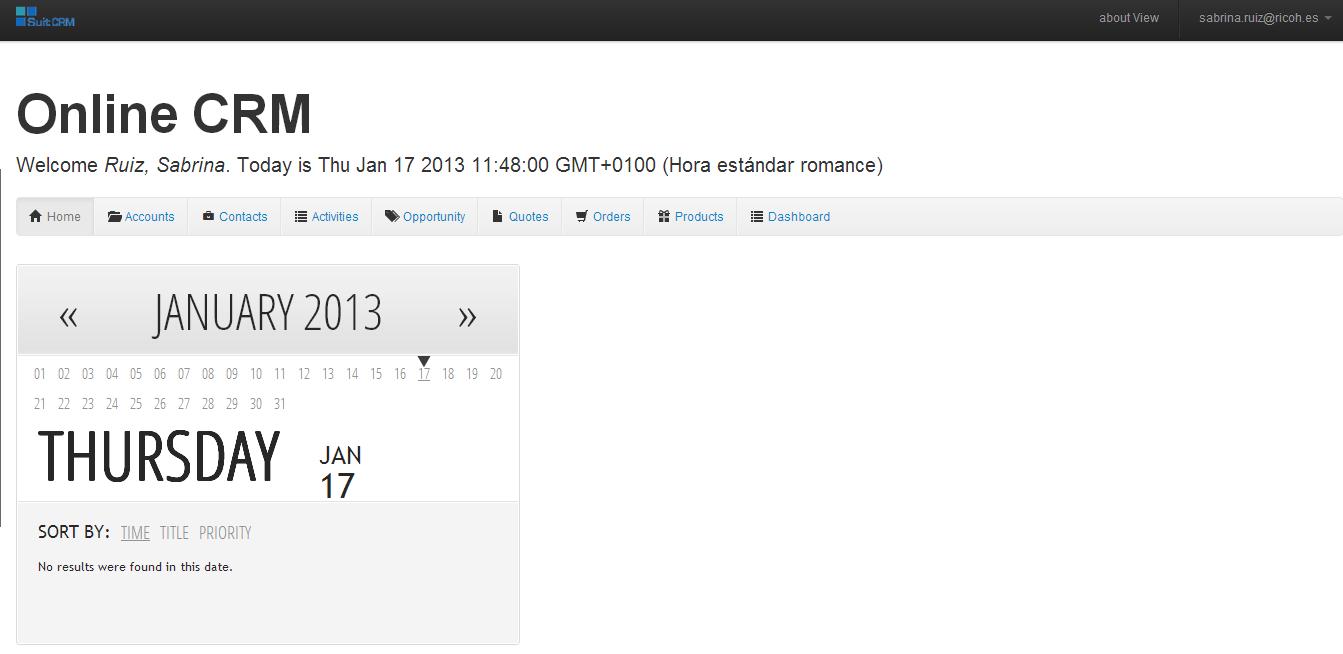 With SuitCRM have access to the administration and management of their accounts using their laptop and / or PC.
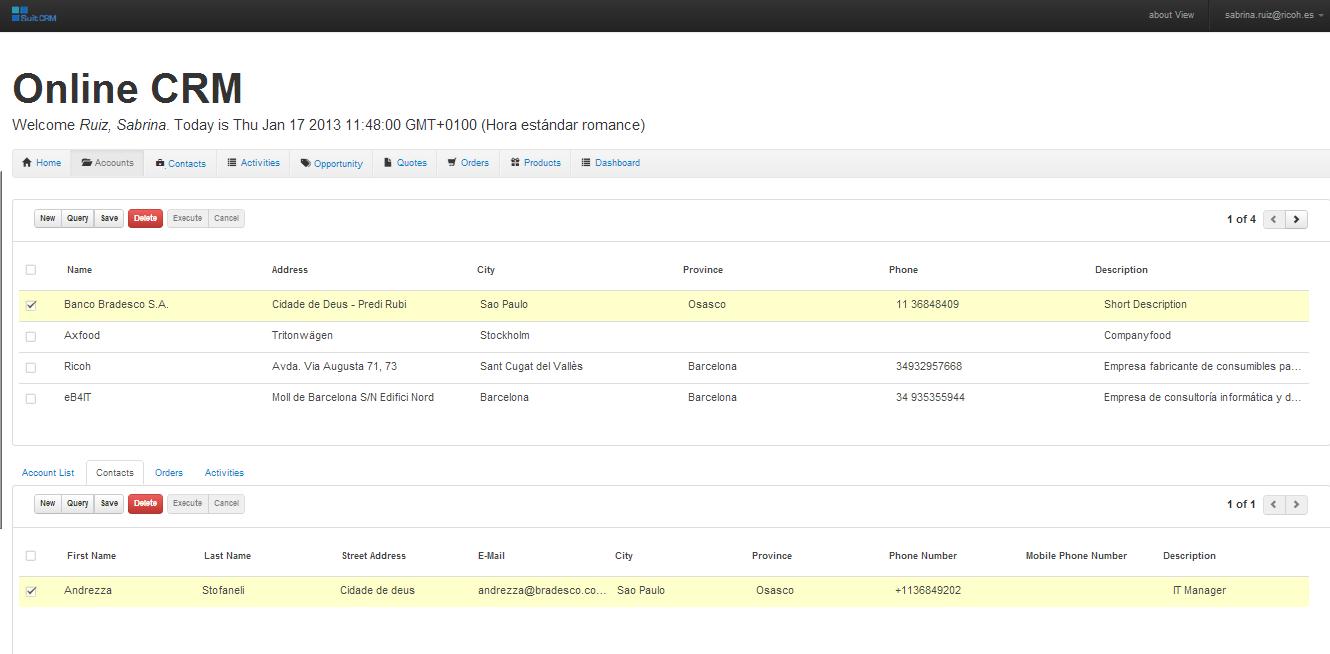 Control and account management from a PC.
 Monitor profits and losses.